
Why You Should Try SlidesAI — AI-Powered Presentations in Minutes
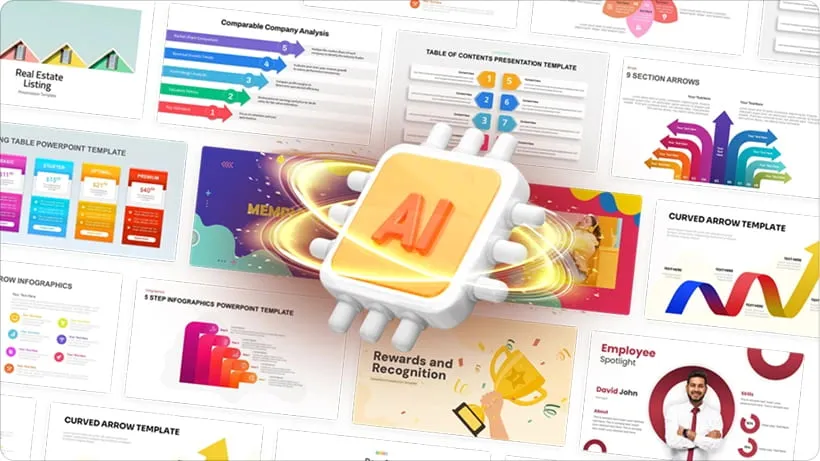
Discover how SlidesAI turns your text into polished slides in minutes. Save time, leverage AI-driven layouts and visuals, and create presentations in Google Slides or PowerPoint without design skills.
Let’s face it — building slide decks from scratch takes time. Whether you're a student rushing to meet a deadline, a teacher preparing a lecture, or a professional assembling a pitch, formatting slides, picking images, and aligning style can feel tedious. That’s where SlidesAI comes in: a clever AI-powered tool that transforms your idea — or even just a block of text — into a full presentation in minutes.
With a simple installation into Google Slides, SlidesAI lets you skip the manual formatting. Just paste your content (or a link), pick a style, and hit generate — the AI does the heavy lifting: crafting slide-by-slide layout, inserting images/graphics, and even choosing fonts and colors. For many users, that means cutting slides creation time by up to 10×.
Key Features That Make SlidesAI Valuable
- Text-to-Slides Conversion: Whether you have a full draft, bullet points, or just a topic — SlidesAI can generate a slide deck automatically.
- Built-in Themes and Customizable Styles: Pre-built color palettes, font sets and layout themes help you produce consistent, polished slides. You can also customize themes to match your brand or personal style.
- Rich Visual Assets: The platform offers access to a large image library (stock & AI-generated images), icons, and built-in design tools — so you don’t need design experience.
- Flexibility in Input Types: SlidesAI accepts raw text, documents, links, even URLs or YouTube links — making it versatile for many scenarios.
- Quick Edits & Refinement Tools: After generation, you can fine-tune slides: adjust layouts, paraphrase text, swap images — giving control without full manual rebuilds.
Pros & Cons: What Works — and What to Watch Out For
✅ Pros
- Massive time-saver: SlidesAI streamlines slide creation drastically, ideal for anyone with frequent presentation needs.
- Easy for non-designers: No need for design skills — the AI handles layout, images, and styling.
- Free tier available: Great for casual users — you can try its core features without cost.
- Multilingual & Broad Compatibility: Works for users across languages, and supports both Google Slides and PowerPoint (depending on version).
⚠️ Cons / Limitations
- Visuals may feel generic: Because it's AI-driven with template reliance, some slides may look “cookie-cutter,” lacking creative flair or a unique brand touch.
- Limited customization for advanced users: For those needing precise layout control, pixel-perfect design, or heavy branding, SlidesAI might feel restrictive.
- Quality depends on input: Poorly structured text or vague prompts often result in bland or awkward slides — giving better input yields better output.
- Feature limitations on free plan: The free tier allows only limited presentations per month; more frequent or heavy use may require upgrading.
Who Should (and Should Not) Use SlidesAI
Good Fit For:
- Students — Needing quick, decent-looking presentations for assignments or group projects.
- Teachers / Educators — Preparing lesson plans or lecture slides with minimal design hassle.
- Professionals / Freelancers — Pitch decks, internal reports, or client presentations where speed matters more than perfect design polish.
- Small Teams & Startups — When time and resources are limited but presentations are frequent, SlidesAI can streamline workflows.
Maybe Not Ideal For:
- Designers or creatives who require full control over layout, visuals, and branding.
- Projects demanding ultra-polished, unique, brand-consistent presentations.
- Users requiring offline access or working in environments with no internet (since SlidesAI works online).
Best Practices: How to Get the Most Out of SlidesAI
- Use well-structured text or outlines as input — the clearer your input, the better the slide output.
- Treat SlidesAI as a first draft generator: generate slides quickly, then refine manually (adjust wording, swap images, align styles).
- Choose appropriate themes and color palettes based on your audience: business, educational, casual — to align tone correctly.
- Combine SlidesAI with other tools (e.g. separate image or branding tools) if you need higher design customisation or branding coherence.
Final Verdict: A Great Time-Saver — With Some Tradeoffs
SlidesAI isn’t a perfect replacement for a professional designer — but it doesn’t aim to be. What it does brilliantly is turn paragraphs into slides in minutes, offering a fast, easy way to generate decent-looking presentations with minimal effort.
For students, educators, small teams, or anyone who values speed over bespoke design, SlidesAI is a compelling tool. If you’re chasing perfection, complex branding, or highly customized layouts, you may still prefer manual design — but SlidesAI remains a powerful first step and a major time-saver.
Whether you’re preparing a class lecture, a business pitch, or a casual project report — SlidesAI deserves a spot in your toolbox.
More Articles

Exploring Alternatives to LOVO AI: What’s Next for Voice-Over & TTS Creation
If you're searching for alternatives to LOVO AI, this 2025 guide reviews top AI voice-over and text-to-speech platforms. Compare features, pricing, voice quality and discover what fits your needs.
Unlocking the Secrets of Aries and Taurus Chemistry in the Bedroom
Sexual Compatibility for Aries and Taurus. Discover this and more here.

Weekly Horoscope: March 18–24, 2024
With the sun moving into Aries, this week the universe wipes the slate clean and offers you some do-overs, so why not take them?
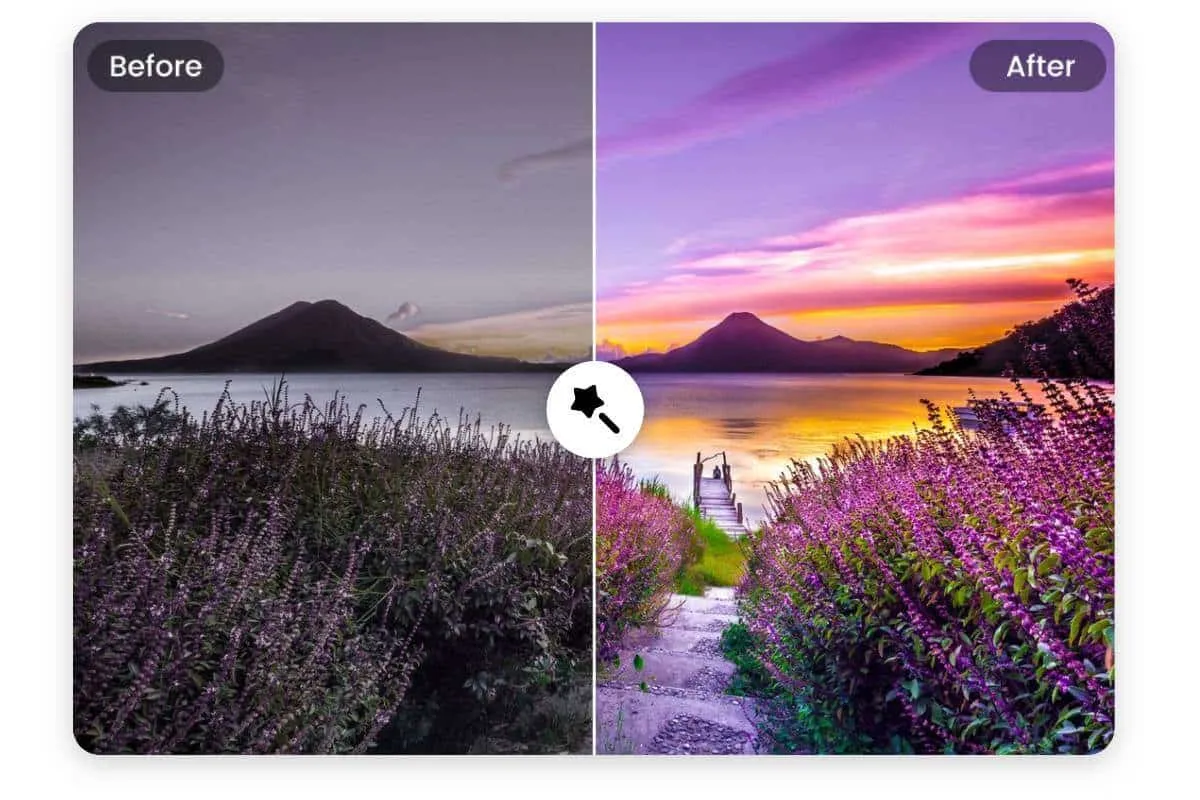
Facetune Review (2025): The Ultimate AI Photo Editing App?
A full 2025 review of Facetune—features, editing quality, filters, AI retouching tools, pricing, and whether it’s worth using for photos and social media.

AnythingLLM
AnythingLLM is an all-in-one AI application that allows users to chat with any document using various LLMs, with full privacy and customization options.

Whisper AI
Whisper is an **open-source** automatic **speech recognition** system from **OpenAI** that approaches **human-level** accuracy and robustness for **transcribing and translating** speech in multiple la

Wisdolia
Wisdolia is an AI-powered Chrome extension that automatically generates flashcards from various study materials to enhance learning efficiency.

Micro SaaS Ideas
Micro SaaS Ideas are small-scale, niche-focused software solutions that target specific problems or markets, offering entrepreneurs a way to build profitable businesses with minimal resources and comp