
E-commerce Web Design That Removes Buying Friction
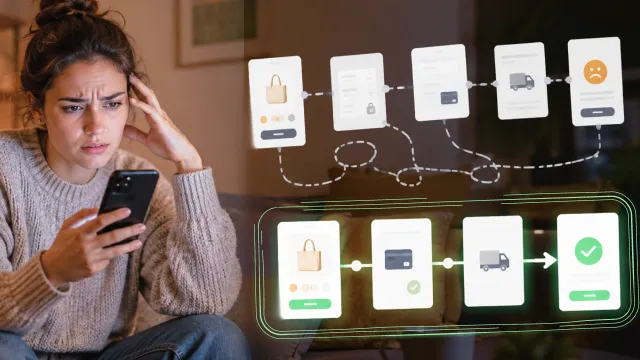
This article helps business owners and marketing teams explore e-commerce web design through the lens of online conversion. It explains how to improve discovery, product confidence, checkout, and customer retention, with practical priorities that support clearer decisions and more dependable results.
Protect Accessibility
Support keyboard navigation, readable contrast, descriptive links, and meaningful image text. Accessible design expands reach and usually makes the website clearer for every visitor.
Connect SEO Foundations
Align page topics, headings, metadata, internal links, and technical performance. Search visibility improves when useful content and sound implementation reinforce each other.
Measure Conversion
Track inquiries, purchases, downloads, and other actions tied to business value. Behavioral data shows which pages help visitors progress and which create unnecessary friction.
Prepare for Maintenance
Assign ownership for updates, backups, security, analytics, and content reviews. A website stays effective only when ongoing work is planned beyond launch day.
Clarify the Business Goal
Define the commercial result before discussing layouts or features. A clear outcome prevents subjective design debates and keeps investment connected to measurable value.
Study Visitor Intent
Identify what visitors need to learn, compare, or complete on each page. Mapping intent produces simpler journeys and reveals which content deserves the strongest emphasis.
Review Relevant Evidence
Look for case studies that resemble your audience, complexity, and goals. Relevant examples reveal practical experience more reliably than a portfolio filled only with attractive screenshots.
Control the Scope
List required pages, integrations, content, and launch responsibilities in writing. A shared scope reduces pricing confusion and makes proposals easier to compare fairly.
Design Clear Navigation
Use familiar labels and group information around real customer questions. Visitors should understand where to go without learning an internal company structure.
Prioritize Mobile Speed
Compress media, simplify interactions, and test important pages on real phones. Mobile performance affects user confidence, conversion, and search visibility at the same time.
Build Trust Signals
Place reviews, credentials, policies, and contact details near relevant decisions. Specific proof reduces uncertainty better than broad claims about quality or leadership.
Summary
E-commerce Web Design That Removes Buying Friction becomes easier to approach when business owners and marketing teams connect e-commerce web design to a specific outcome, test assumptions under realistic conditions, and review results after implementation. Focus on the decisions that materially affect users, cost, reliability, and long-term ownership. A smaller, well-managed solution usually creates more value than an ambitious system that nobody can confidently operate, evaluate, or improve.
More Articles
Flexiquiz Review 2025: The Ultimate Online Quiz Maker
Creating quizzes doesn’t have to be a daunting task. Whether you’re a teacher needing to assess students, a business seeking training tools, or a hobbyist hosting a fun quiz night, having the right platform can make all the difference. Enter Flexiquiz, a robust and user-friendly online quiz maker. With easy-to-use features, advanced customization options, and budget-friendly pricing, Flexiquiz is shaping up to be the quiz maker of choice for 2025. This review will explore its key features, benefits, pricing, and why it stands out among other tools. What is Flexiquiz? Flexiquiz is an online platform designed to create quizzes, exams, and interactive tests for professional and personal use. Think back to those multiple-choice tests you used to take in school, but this time, you’re in control as the quiz creator! From live quiz games to formal assessments, Flexiquiz offers the flexibility to cater to a wide range of needs. Whether for fun or functionality, it’s easy to use and packed with features that make quiz creation both simple and engaging. Why Choose Flexiquiz? Flexiquiz is designed by Logic Software with a mission to simplify online assessments for various users, ranging from educators to enterprises. Here’s what makes it special: Effortless quiz creation tailored to your needs. Options to host secure, formal exams or casual live quizzes. Continuous updates and new features to enhance functionality. Top Benefits of Flexiquiz 1. Ease of Use Flexiquiz’s intuitive interface guides users through the quiz creation process. No prior experience? No problem! You can create quizzes in minutes with step-by-step instructions. 2. Variety of Question Types Gone are the days of boring assessments. Flexiquiz offers diverse question types such as multiple choice, true/false, fill-in-the-blank, and matching. Add images or videos to further engage your audience. 3. Customizable Designs Personalize your quizzes with logos, colors, and designs that match your brand or style. Flexiquiz even supports custom CSS for advanced users seeking more detailed customization. 4. Automated Grading Save valuable time with automatic grading. Flexiquiz evaluates responses instantly and provides participants with immediate scores. 5. Detailed Reporting Gain insights with Flexiquiz’s in-depth reports, which track individual scores, group performance, and even question-specific analytics. 6. Secure Features With options like access codes and secure browser settings, Flexiquiz ensures that both casual and formal assessments remain private and fair. 7. Live Quiz Hosting Inject fun and interactivity into your quizzes with Flexiquiz’s live quiz mode. Display leaderboards to track participant scores in real-time. Best Features of Flexiquiz Quiz Maker Flexiquiz’s core feature is easy to use and versatile. With support for multimedia integration, you can craft engaging quizzes appropriate for any audience. Custom CSS For tech-savvy users, Flexiquiz allows styling through custom CSS, helping to create visually unique quiz presentations. Exam Builder If you’re designing formal tests, Flexiquiz has you covered. Implement time limits, randomize questions, and prevent cheating with secure settings. Custom Grading You’re not limited to traditional right-or-wrong scoring. Flexiquiz lets you assign partial credit, weigh scores, and provide personalized feedback. Live Quizzes Leverage the interactive live quiz feature to host gamified sessions, whether for classrooms, corporate training, or just a fun night with friends. Flexiquiz Pricing Flexiquiz offers a range of pricing plans tailored to meet different needs, ensuring flexibility and affordability for users. The free plan includes basic features such as unlimited quizzes, 100 responses per month, and access to essential customization options. For more advanced features, the premium plans provide additional benefits, such as higher response limits, advanced reporting, integrations, and branding options. These plans include: Starter Plan: Ideal for individuals, with expanded response limits and basic reporting. Team Plan: Perfect for small groups, offering shared accounts, team management, and collaboration tools. Business Plan: Designed for larger organizations, including priority support, API access, and enhanced security options. Enterprise Plan: Customized for extensive needs, with dedicated account managers and bespoke solutions. Flexiquiz offers plans to suit varying needs and budgets. Pros and Cons Pros Supports multiple question types. Highly customizable with options for advanced design changes. Affordable pricing plans. Detailed analytics and reporting. Cons Occasional glitches. Higher learning curve for advanced features like custom CSS. Limited design templates out-of-the-box. Alternatives to Flexiquiz If Flexiquiz doesn’t quite fit your requirements, here are some alternatives worth considering: ProProfs Quiz Maker for education and training purposes. Typeform for sleek, visually engaging quizzes. SurveyMonkey for those who need combined survey and quiz capabilities. Google Forms for a free, no-frills option. Kahoot! for gamified quizzes tailored to live interactive sessions. Real-Life Use Case Our team recently needed a training solution for onboarding new employees. Instead of lengthy presentations, we used Flexiquiz to create an interactive quiz with videos, images, and custom feedback for each question. Here’s what stood out: Straightforward setup: Crafting the quiz took less than an hour. Interactive elements: Videos and images kept participants engaged. Automatic grading: Results were instantly available, saving us hours of manual review. Flexiquiz turned a tedious process into a dynamic, engaging learning experience! Final Thoughts Flexiquiz is a feature-packed, easy-to-use quiz maker ideal for educators, businesses, and quiz enthusiasts. Whether you’re hosting live sessions or designing formal tests, it offers tools to enhance engagement and save time. With affordable pricing, advanced features like custom CSS, and a free trial to start, Flexiquiz is a fantastic option for anyone seeking a flexible online quiz platform. Try it today and streamline your quiz-making experience! Frequently Asked Questions Can I use Flexiquiz for free? Yes! Flexiquiz offers a free plan with basic features, though it limits the number of questions and responses. What customization options are available? Flexiquiz allows branding with custom logos and colors. Advanced users can even apply custom CSS for detailed design changes. Are live quizzes supported? Absolutely! With Flexiquiz, you can host live quizzes with real-time leaderboards for interactive engagement. Can educators use Flexiquiz for exams? Yes, the tool includes features like randomized questions, time limits, and browser security to ensure integrity in exams.

Unlocking the Secrets of Aries and Taurus Chemistry in the Bedroom
Sexual Compatibility for Aries and Taurus. Discover this and more here.

Weekly Horoscope: March 18–24, 2024
With the sun moving into Aries, this week the universe wipes the slate clean and offers you some do-overs, so why not take them?
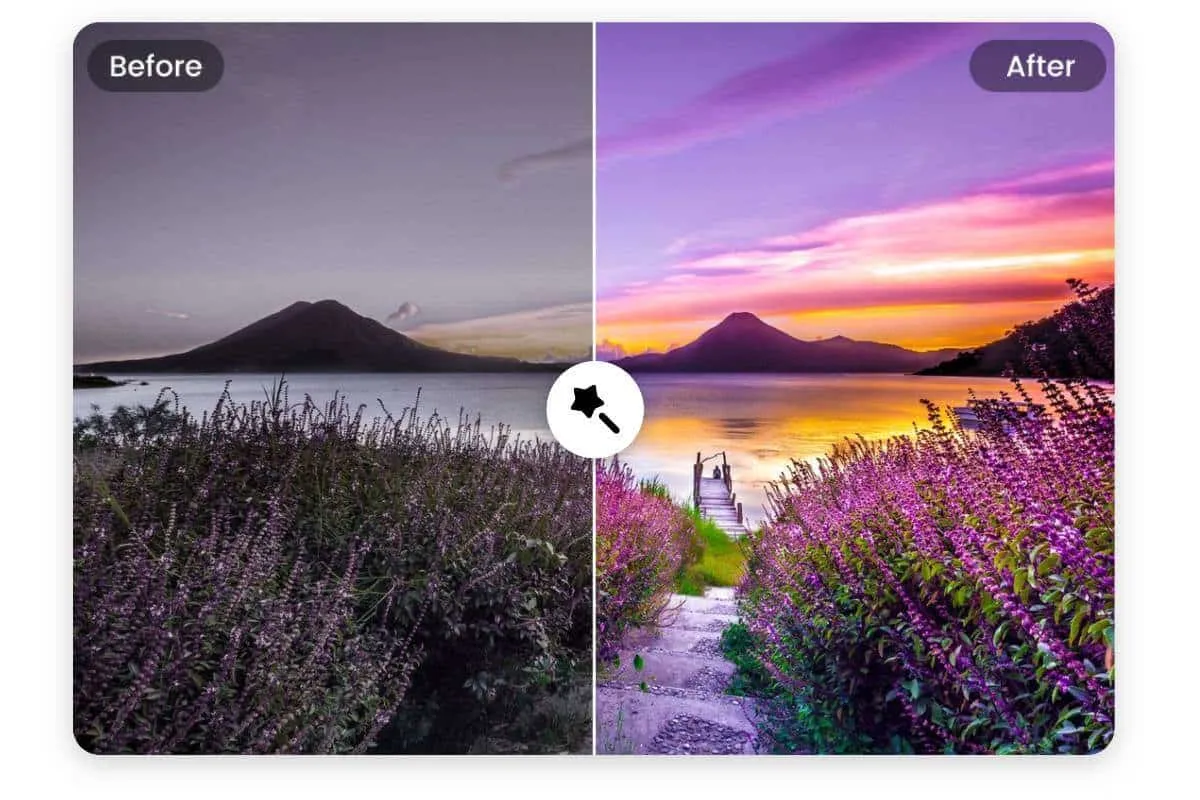
Facetune Review (2025): The Ultimate AI Photo Editing App?
A full 2025 review of Facetune—features, editing quality, filters, AI retouching tools, pricing, and whether it’s worth using for photos and social media.

Wisdolia
Wisdolia is an AI-powered Chrome extension that automatically generates flashcards from various study materials to enhance learning efficiency.

Statement victories for RS Berkane and defending champions Pyramids FC
RS Berkane produced a confident and controlled performance at home to secure a 3–0 victory over Zambia’s Power Dynamos in Berkane.

Egypt take full strength squad to Al Ain International Cup
Egypt is taking a full-strength squad to the Al Ain International Cup in the United Arab Emirates this month as it prepares for the TotalEnergies CAF Africa Cup of Nations finals in Morocco, where it will be looking for its first continental title in 15 years.

Bus Rental and Lounge Waiting Rooms about RegioJet
Get the latest RegioJet information and discounts. Read the detailed introduction and shopping guides.